Designing the Perfect Corporate Conference Room

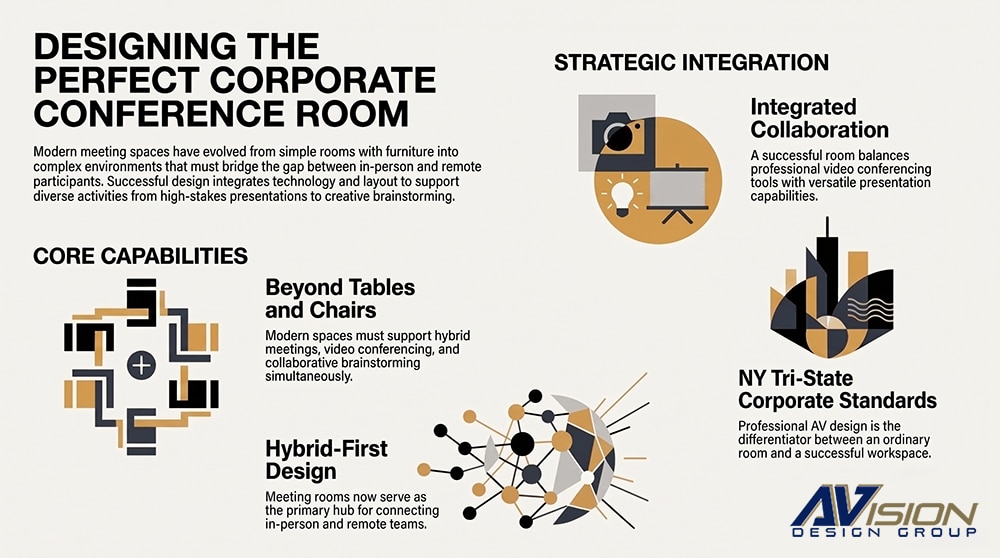
The difference between an ordinary conference room and a truly successful one often comes down to how well architecture, acoustics, lighting, and audio-video (AV) technology work together.
At AVision Design Group, we specialize in engineering commercial audio-visual experiences that bridge physical and digital spaces seamlessly. Here is what goes into designing the perfect corporate conference room tailored to the unique demands of Tri-State enterprises.
1. Start With the Purpose of the Room
-
How many people will typically use the room?
-
Will meetings be primarily in-person, hybrid, or fully remote?
-
Will presentations and content sharing be frequent?
-
Will participants use laptops and wireless collaboration tools?
-
Will executives or clients use the space?
-
Does the room need to support recording or streaming?
-
Will the room be used for training or large presentations?
2. Acoustics: The Foundation of a Good Meeting
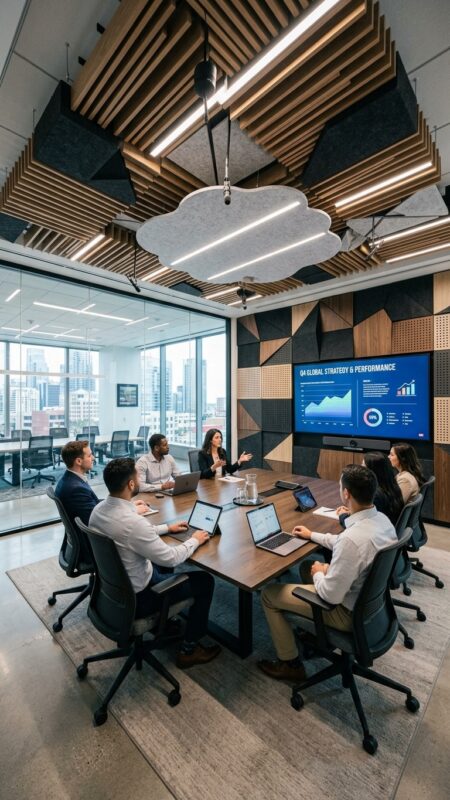
New York area office architecture heavily features exposed brick, floor-to-ceiling glass, and concrete structural elements. While visually striking, these hard surfaces present major acoustic challenges—causing echo, reverb, and audio fatigue during long calls.
One of the most overlooked aspects of conference-room design is acoustics.
In a traditional meeting, poor acoustics can be annoying. In a hybrid meeting, they can make communication almost impossible.
Hard surfaces such as glass, concrete, drywall, stone, and large conference tables reflect sound. These reflections create reverberation and echo, making speech less intelligible.
Common Acoustic Challenges
3. Audio Is More Important Than Video
-
Microphone coverage
-
Speaker placement
-
Echo cancellation
-
Automatic gain control
-
Noise reduction
-
Digital signal processing (DSP)
-
Acoustic echo cancellation
-
Voice lift, where appropriate
-
Room tuning and commissioning
Microphone Selection
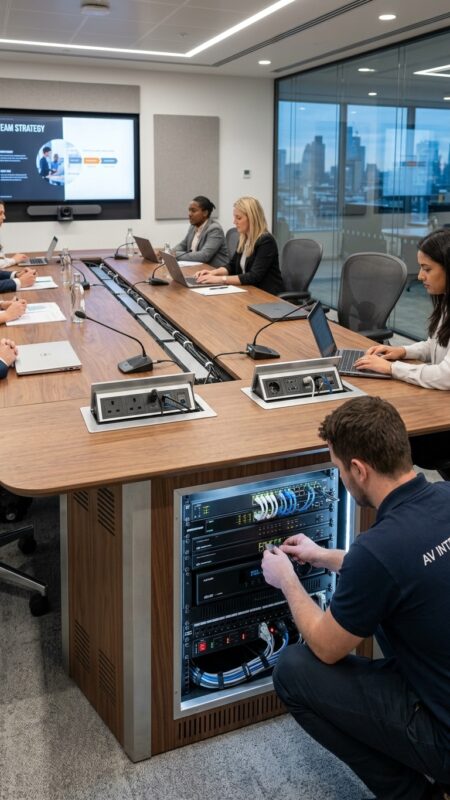
4. Designing the Video System
- One or more large displays
- PTZ or intelligent tracking cameras
- Presentation cameras
- Content-sharing systems
- Video-conferencing codecs or appliances
- Wireless presentation systems
Camera Placement Matters
-
Speaker tracking
-
Automatic framing
-
Presenter tracking
-
Group framing
-
Intelligent participant detection
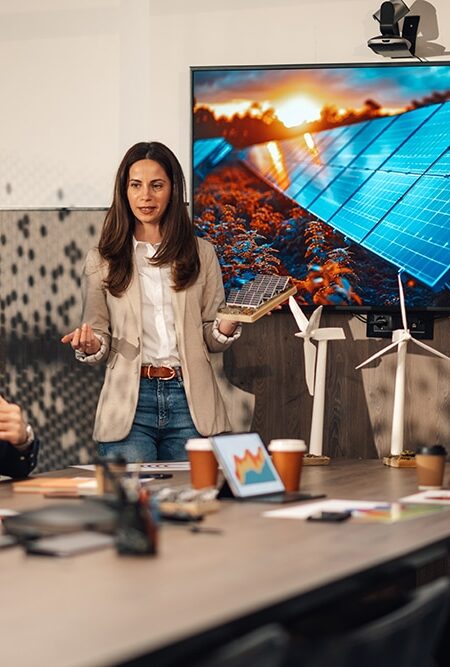
5. Display Strategy
-
Large LED or LCD displays
-
Dual displays
-
Projection systems
-
Interactive displays
-
Direct-view LED technology
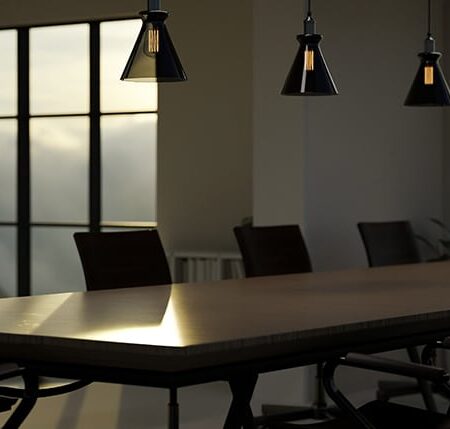
6. Lighting and Video Conferencing
-
Strong backlighting from windows
-
Shadows across faces
-
Excessively bright overhead lighting
-
Color temperatures that vary throughout the room
-
Glare on displays
-
Video conferencing
-
Presentations
-
Collaboration
-
Training
-
Cleaning or maintenance
7. Furniture and AV Design Must Work Together
-
AC power
-
USB charging
-
HDMI
-
USB-C
-
Network connectivity
-
Wireless presentation access
8. Connectivity and BYOD
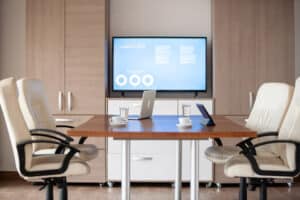
Wireless presentation and BYOD (Bring Your Own Device) capabilities can also allow participants to share content without physically connecting to the room system.

9. Control Systems: Keep It Simple
-
Turn on displays
-
Select the correct camera
-
Activate microphones
-
Set lighting
-
Adjust shades
-
Launch the conferencing platform
10. Don't Forget the IT Infrastructure
-
Network bandwidth
-
Wired network connections
-
Wi-Fi coverage
-
PoE requirements
-
Equipment racks
-
UPS power protection
-
Cable pathways
-
Cooling and ventilation
-
Remote monitoring
-
Cybersecurity
11. Accessibility and User Experience
-
Accessible seating positions
-
Clear sightlines
-
Hearing assistance systems where required
-
Appropriate display heights
-
Easy-to-reach controls
-
Adequate circulation space
-
Clear visual indicators
-
Assistive listening technologies

12. Test, Tune, and Commission
-
Microphone coverage
-
Speech intelligibility
-
Speaker levels
-
Acoustic echo
-
Camera framing
-
Display visibility
-
Lighting
-
Wireless connectivity
-
Cable performance
-
Control-system operation
-
Video-conferencing performance